



























Quick view
- Why Console Placement Matters More Than You Think
- PS5 vs Xbox Series X - How Their Cooling Actually Works
- The Worst Places to Put Your Console (And Why)
- The Best Spots for Your PS5 or Xbox
- Does Your TV Cabinet Have the Right Clearance?
- A solid, open platform for your PS5 or Xbox
- Cable Management - Don't Let Your Wires Kill Your Airflow
- How to Tell If Your Console Is Overheating
- FAQ
Shop this guide
Handcrafted TV Cabinets, made to order in solid wood.
 Handcrafted Arched Solid Wood TV Stand & 2-Drawer Media Entertainment Console
From $2,314.0010% off at checkout
Handcrafted Arched Solid Wood TV Stand & 2-Drawer Media Entertainment Console
From $2,314.0010% off at checkout
 Mid-Century Handcrafted Curved Solid Wood TV Stand & Oval Media Entertainment Console
From $2,876.0010% off at checkout
Mid-Century Handcrafted Curved Solid Wood TV Stand & Oval Media Entertainment Console
From $2,876.0010% off at checkout
 Christmas edit
Sculptural Handcrafted Solid Wood Low-Profile TV Stand & 3-Drawer Media Console
From $3,145.0010% off at checkout
Christmas edit
Sculptural Handcrafted Solid Wood Low-Profile TV Stand & 3-Drawer Media Console
From $3,145.0010% off at checkout
 Sculptural Solid Wood Wave TV Stand & Low Media Console Table
From $2,829.0010% off at checkout
Sculptural Solid Wood Wave TV Stand & Low Media Console Table
From $2,829.0010% off at checkout
 Christmas edit
Modern Solid Wood TV Console For Christmas Entryway Living Room
From $2,660.0010% off at checkout
Christmas edit
Modern Solid Wood TV Console For Christmas Entryway Living Room
From $2,660.0010% off at checkout
 Christmas edit
Sculptural Christmas Solid Wood Live-Edge TV Stand
From $2,355.0010% off at checkout
Christmas edit
Sculptural Christmas Solid Wood Live-Edge TV Stand
From $2,355.0010% off at checkout
Where to Put Your PS5 or Xbox for Maximum Airflow: TV Cabinet Guide
You just unboxed a PS5 or Xbox Series X, found a nice open spot on your TV cabinet, plugged everything in - and two hours later the fan sounds like a jet engine. Or worse: the console shuts down mid-game.
Here's the reality most setup guides skip: where you put your console matters just as much as how you use it. Both the PS5 and Xbox Series X push 200+ watts under load. That heat has to go somewhere. If your placement blocks airflow, no amount of expensive accessories will save you from thermal throttling.
This guide covers exactly where to place your console for maximum airflow, which spots to avoid (and why), and how to check whether your TV cabinet or entertainment center has the clearance your console actually needs. If you're still deciding on the cabinet itself, our complete TV stand buying guide covers material and storage choices before you get to placement.

Why Console Placement Matters More Than You Think
Modern gaming consoles are essentially compact PCs. The PS5's custom AMD APU can draw up to 220 watts during demanding games. The Xbox Series X hits similar numbers. All of that energy eventually becomes heat.
Both Sony and Microsoft officially recommend at least 10 cm (about 4 inches) of free space around every side of the console. That's not a suggestion - it's the minimum clearance their cooling systems were designed around.
When those clearances aren't met, three things happen in sequence:
- Fan ramps up to compensate - louder, but still functional
- Thermal throttling kicks in - the console lowers clock speeds to reduce heat, and your frame rate drops
- Automatic shutdown - when internal temps hit the safety threshold, the console powers off to protect itself
Most people blame the console. But nine times out of ten, it's a placement problem.

PS5 vs Xbox Series X - How Their Cooling Actually Works
Understanding where air enters and exits your console tells you everything about where it can (and can't) go.
PS5: Side Intake, Rear/Top Exhaust
The PS5 pulls cool air in through the curved side panels on both sides. The fan pushes that air across the heatsink and exhausts it out the back and slightly upward through the top rear edge.
The large side panels aren't just aesthetic - they're the primary intake surface. Block them, and the fan has nothing to work with.
Xbox Series X: The Chimney Design
The Xbox Series X uses a vertical "chimney" layout. Air enters through vents on the bottom and sides, gets pulled upward through the console by a single large fan, and exits through the perforated top surface.
This is actually a clever design - hot air naturally rises, and the chimney layout works with physics instead of against it. But it also means the top surface must stay completely unobstructed. Putting anything on top of a standing Xbox Series X - even a small figurine - blocks the primary exhaust.
What About PS5 Slim and Xbox Series S?
Smaller form factor doesn't mean less heat. The PS5 Slim runs roughly the same APU and generates comparable thermal output. The Xbox Series S runs cooler in absolute terms (less powerful GPU), but its compact chassis means heat is more concentrated - adequate airflow is just as important.
Quick Reference: Console Dimensions
| Console | Standing Height | Width | Depth |
|---|---|---|---|
| PS5 (original) | 15.4 inches | 10.2 inches | 4.1 inches |
| PS5 Slim | 14.0 inches | 8.3 inches | 3.7 inches |
| Xbox Series X | 11.9 inches | 6.0 inches | 6.0 inches |
| Xbox Series S | 10.8 inches | 6.0 inches | 2.6 inches |
PS5: Vertical or Horizontal?
Sony's VP of mechanical design, Yasuhiro Ootori, has confirmed that there is no difference in cooling performance between vertical and horizontal placement for the PS5. The cooling system is designed to work equally well in either orientation.
The one caveat: if you place the PS5 horizontally, use the included stand (or a third-party equivalent). Without it, the curved base creates an uneven surface that can restrict bottom-edge airflow and make the console wobble.
For Xbox Series X, orientation makes no practical difference either - the chimney design works in both directions.
Pick the orientation that fits your space. Don't let anyone tell you one is "better for cooling" - the data says otherwise.



The Worst Places to Put Your Console (And Why)
Inside a Closed Cabinet
This is the #1 console killer. An enclosed cabinet compartment traps heat with nowhere to go. The console pulls in its own exhaust, internal temperature climbs rapidly, and thermal protection can kick in within minutes of demanding gameplay.
If your console must go inside a cabinet, the door needs to be open during extended gaming sessions. Glass doors are marginally better than solid wood (minimal airflow), but open or perforated is the only real solution.
Behind the TV
Two problems here: first, the space behind most TVs has poor airflow - it's essentially a pocket between the TV back and the wall. Second, the TV itself generates heat, adding to the ambient temperature your console is already fighting.
Put them together and you've created a heat chamber.
On Carpet
The PS5 and Xbox Series X both have intake vents on or near their bottom surface. Carpet fibers partially block those vents and shed dust directly into the intake stream. Over weeks, that dust builds up on internal heatsinks and reduces cooling efficiency permanently - not just while you're gaming.
If the floor is your only option, use a hard platform (wood, acrylic, or a dedicated console stand) as a barrier between the console and the carpet.
Stacked on Top of Other Electronics
AV receivers, cable boxes, and even soundbars generate their own heat. Stacking your console on top of any of them means the console's intake is pulling in pre-warmed air. It's like trying to cool a room by opening a window that leads into a sauna.
In a Tight Corner
Two walls + one cabinet surface = only one direction for air to escape. If that direction happens to be blocked (by the TV, a speaker, or even a decorative item), the console effectively suffocates.

The Best Spots for Your PS5 or Xbox
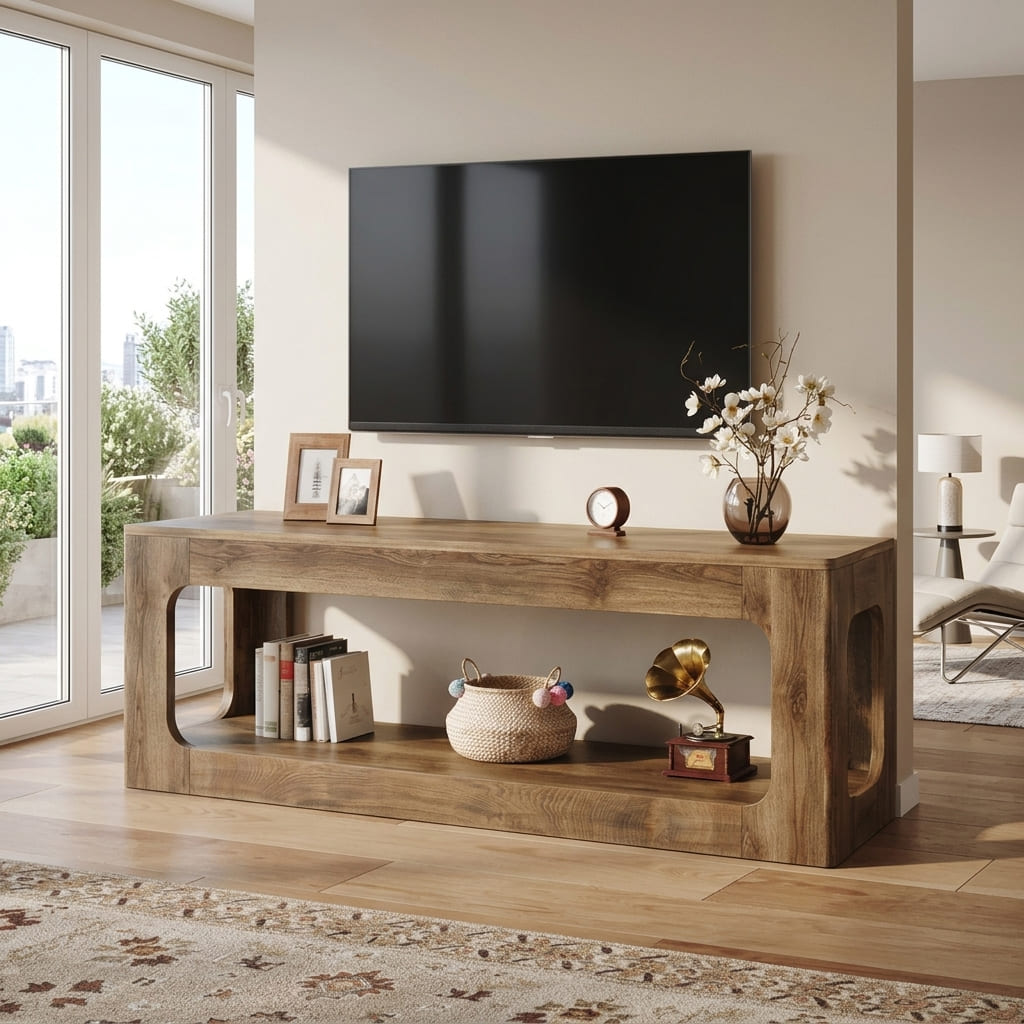
Open Shelf on Your TV Cabinet
This is the gold standard for most setups. A flat, open shelf gives you:
- 4+ inches of clearance on every side
- Easy cable access
- No dust intake from carpet
- The console stays at eye level if you need to check lights or insert discs
Make sure the shelf surface is hard and flat. Avoid soft materials that can sag or block bottom vents.

Dedicated Console Compartment (With Ventilation)
If your TV cabinet has a built-in compartment designed for electronics, it can work well - as long as it meets the clearance requirements. We'll cover the checklist for this in the next section.
The key advantage: cables stay hidden, the console is protected from dust and spills, and the overall look is clean.
Wall-Mounted Console Shelf
A small shelf mounted on the wall next to or below your TV gives you excellent ventilation on all sides - there's literally nothing touching the console except the shelf surface underneath.
This is especially useful if your TV cabinet surface is already crowded with a soundbar, streaming devices, and decor. Wall mounting the console frees up that surface and gives the console its own dedicated space.
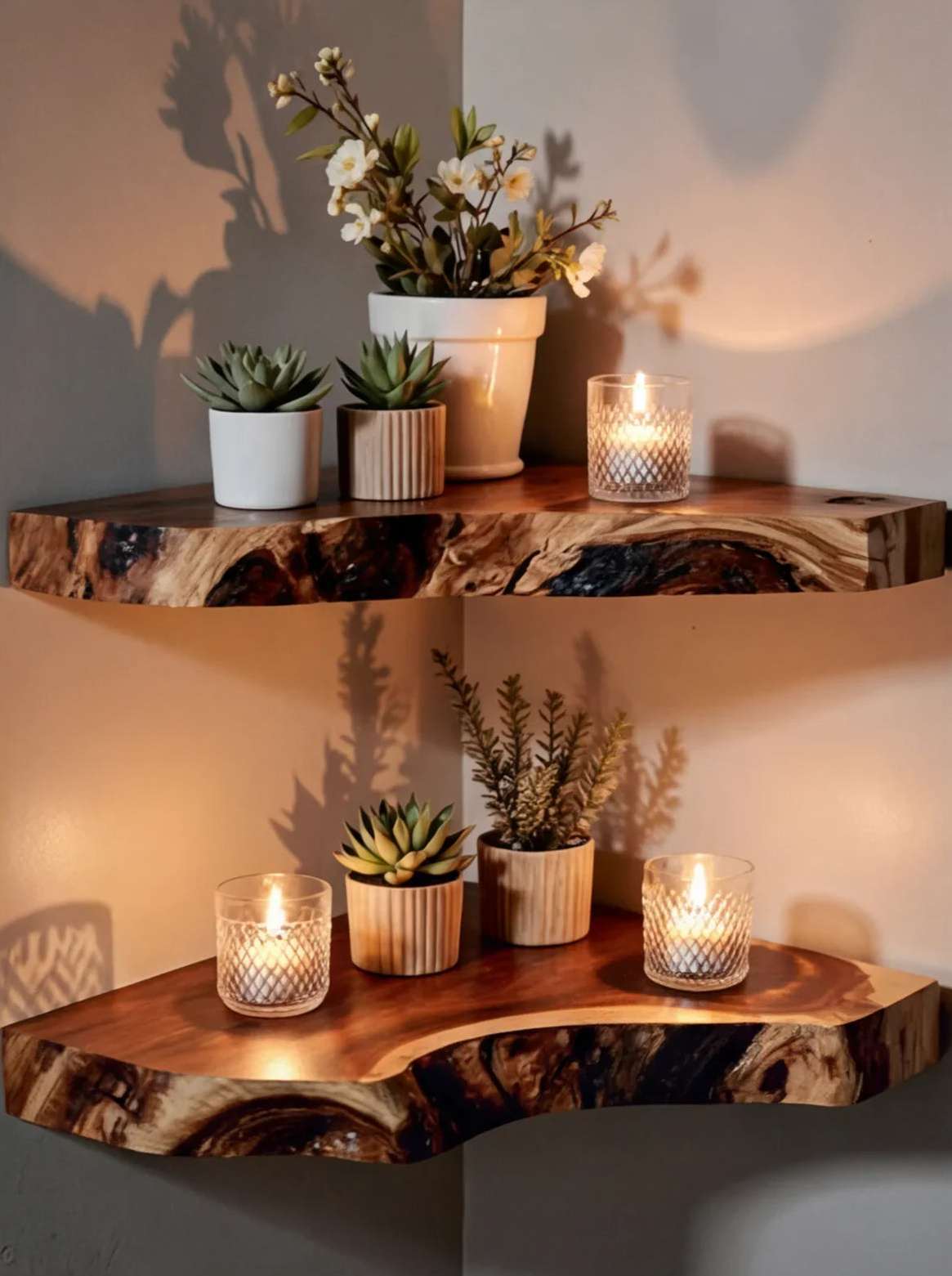
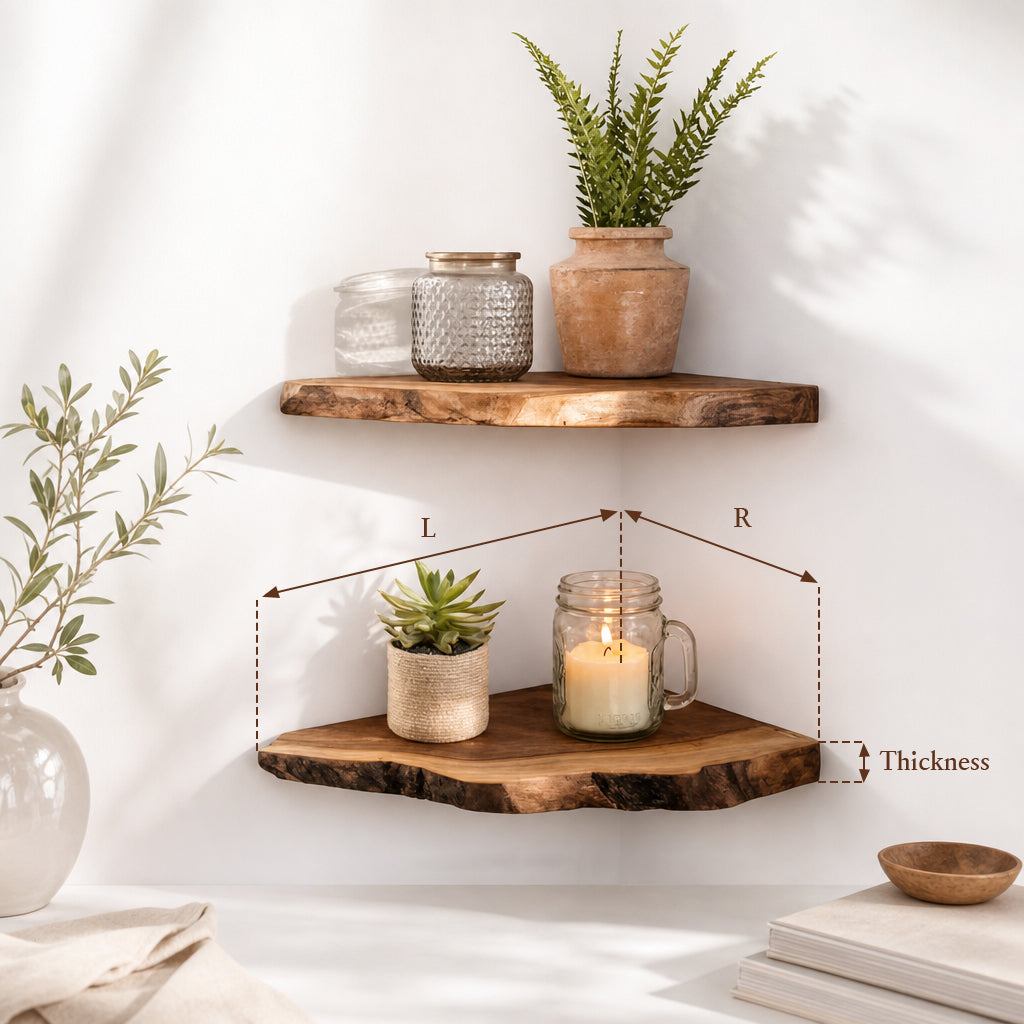
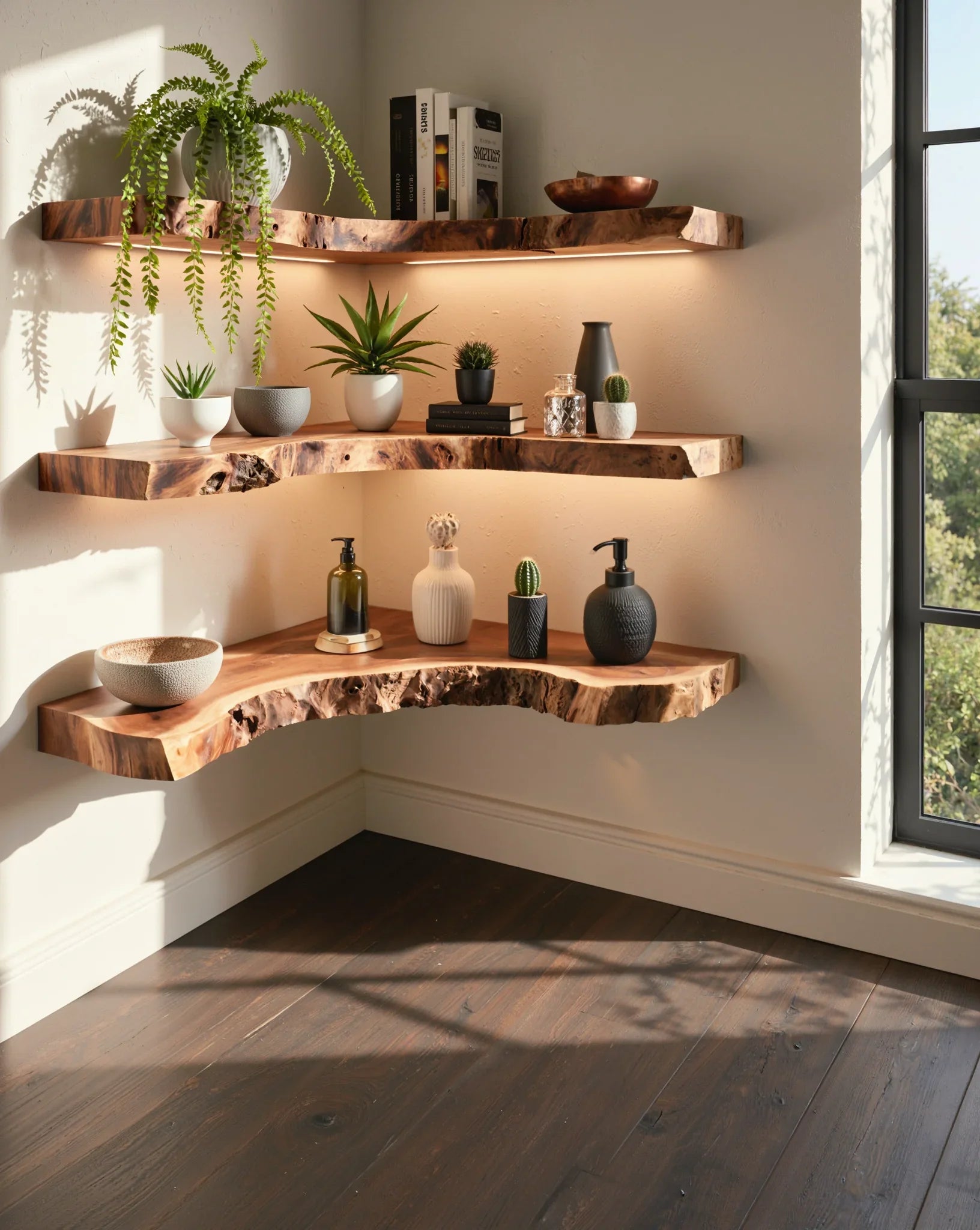
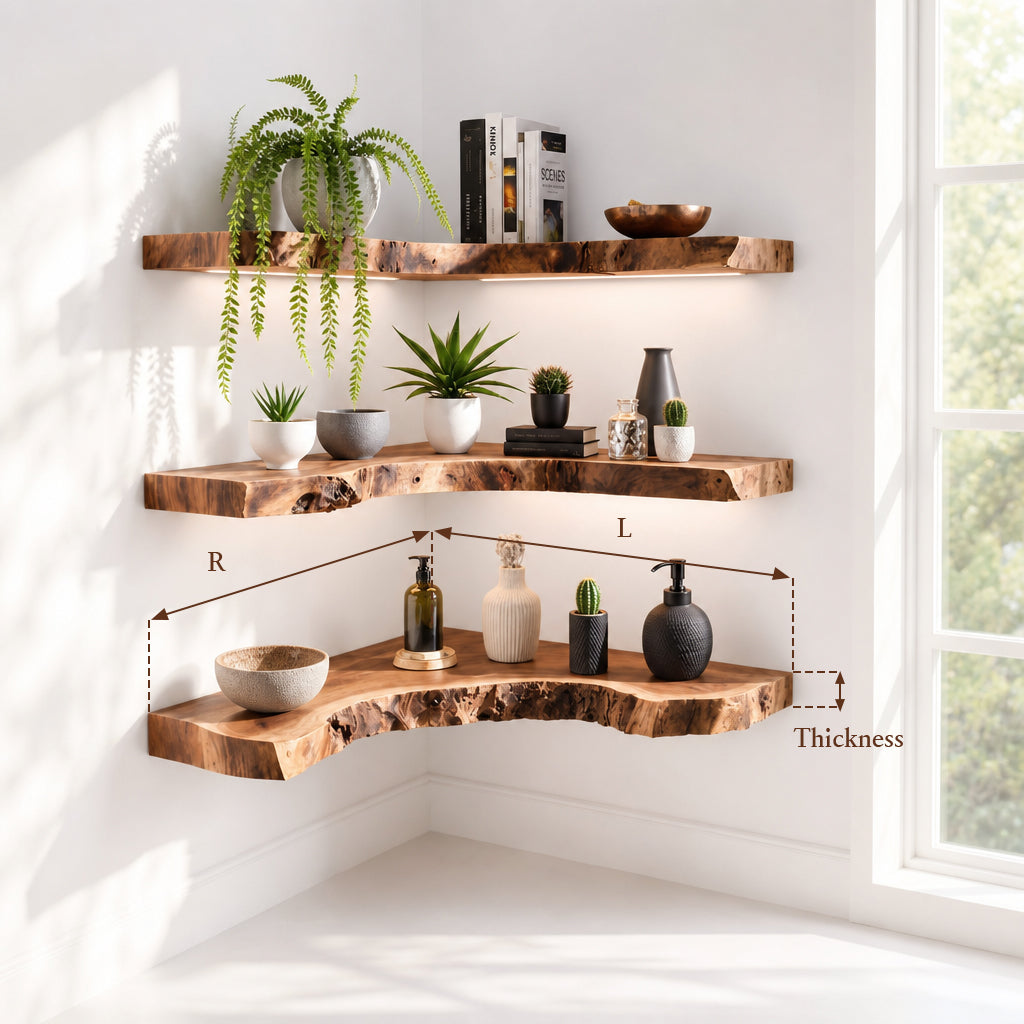
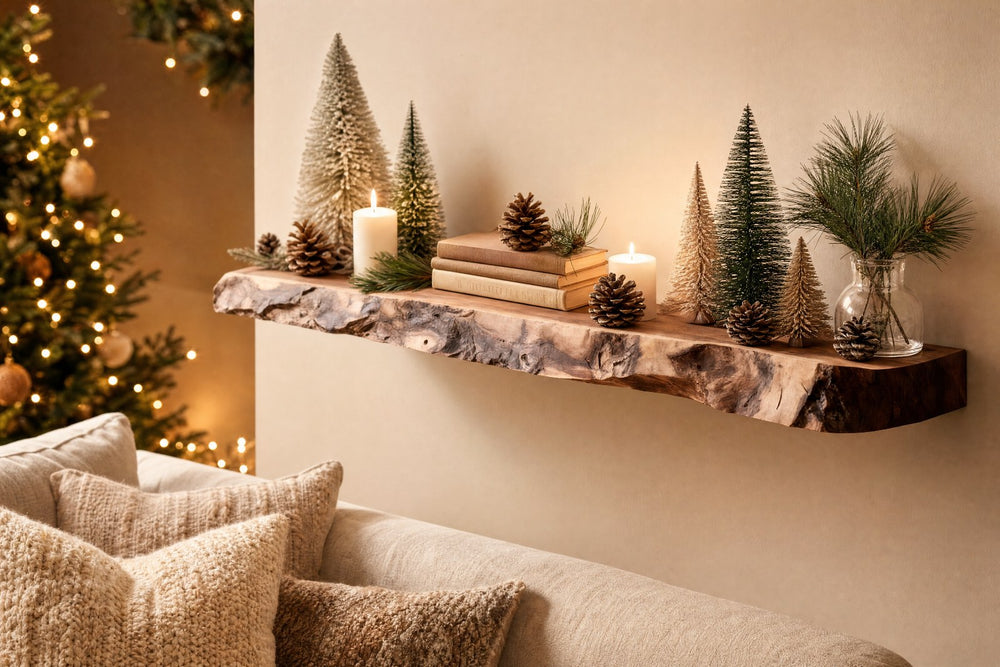
You can pair your TV cabinet with floating shelves to create this kind of dedicated console zone without taking up floor space.
Floor Stand Next to the Cabinet
A dedicated console floor stand works fine as long as:
- You're not on carpet (or you're using a hard platform underneath)
- The stand is at least 4 inches away from the wall
- Nothing is placed on top of the console
This is a good budget option, but keep in mind that floor-level placement means more dust intake over time - you'll want to clean the console's exterior vents more frequently.
Don't miss
These pieces qualify for 10% off orders over $2,000. Applied automatically at checkout.
10% off
Handcrafted Arched Solid Wood TV Stand & 2-Drawer Media Entertainment Console
From $2,314.00
10% off at checkout
10% off
Mid-Century Handcrafted Curved Solid Wood TV Stand & Oval Media Entertainment Console
From $2,876.00
10% off at checkout
10% off
Sculptural Handcrafted Solid Wood Low-Profile TV Stand & 3-Drawer Media Console
From $3,145.00
10% off at checkout
10% off
Sculptural Solid Wood Wave TV Stand & Low Media Console Table
From $2,829.00
10% off at checkout
Does Your TV Cabinet Have the Right Clearance?
If your console lives on or inside your TV cabinet, run through this quick checklist before your next gaming session:
- Vertical clearance: compartment or shelf height ≥ console standing height + 4 inches
- Depth clearance: enough room behind the console for cables without pressing them against the wall (3–4 inches minimum)
- Side clearance: at least 4 inches of open space on both sides - no speakers, decor, or other electronics crowding the edges
- Door type: if the compartment has a door, it must be open, perforated, or glass during use. Solid wood doors closed = no airflow
- Top clearance: nothing sitting on top of the console. Not a figurine, not a controller, not a disc case
- Cable routing: HDMI and power cables should curve gently (minimum 3-inch bend radius), not fold at sharp angles that press against the console body
For the full depth formula, cable management clearances, and how this maps to every TV cabinet size we carry, see our TV Cabinet Dimensions by Screen Size guide.
🎮 Upgrade Your Console's Home
A solid, open platform for your PS5 or Xbox
A solid wood TV cabinet from Ashdeco gives your console a stable, open platform with clean cable routing - no sagging shelves, no particle board swelling from heat, just clean lines and real durability.
Not sure which size fits your setup? Check our TV Cabinet Dimensions guide to match your screen size to the right cabinet dimensions - including console clearance.
Shop solid wood TV cabinets →Cable Management - Don't Let Your Wires Kill Your Airflow
Good cable management isn't just about aesthetics. Poorly routed cables can actively restrict airflow around your console.
HDMI cables need breathing room. HDMI connectors are stiff, and the cable itself has a minimum bend radius of about 3 inches. Forcing a sharp 90° bend right at the console port creates physical pressure that can partially dislodge the connector over time - and the bundled cable mass blocks side intake vents.
Don't bundle cables tightly. Wrapping power, HDMI, and Ethernet cables into a tight zip-tied bundle traps heat along the length of the bundle. Use velcro straps with some slack, or a cable management channel that keeps cables separated.
Cable management boxes should vent. If you're using a cable management box behind your TV cabinet, make sure it has ventilation holes or an open back. A sealed box full of power adapters and cable bundles becomes a heat pocket right next to your console's exhaust zone.
Mount your surge protector. Instead of leaving a power strip on the floor (where it collects dust and sits in the console's intake airflow path), mount it to the inside back panel of your TV cabinet using its built-in mounting slots. This keeps all plugs accessible, cables short, and the floor clear.
Once your placement is right, keeping cables and devices organized long-term is the next step - see our guide to organizing a TV stand with storage for a zoning system by device and a step-by-step method for bundling cables.
How to Tell If Your Console Is Overheating
Your console will warn you before it shuts down - if you know what to listen and look for.
Fan noise spikes. The PS5 is notorious for going from "barely audible" to "vacuum cleaner" when thermals climb. If you notice the fan ramping up during games that used to run quietly, your placement is likely restricting airflow.
Frame rate drops. If a game that normally runs smooth starts stuttering after 30–60 minutes of play, that's thermal throttling. The console is deliberately lowering performance to reduce heat output.
On-screen warnings and shutdowns. The PS5 displays an explicit on-screen message - "Your PS5 is too hot. Turn off your PS5 and wait until the temperature goes down" - before powering off. Xbox Series X shows an error code. Either way: this is the last-resort safety mechanism. If you've hit this point, your placement needs to change immediately.
The 3-second touch test. If the exterior of your console is too hot to keep your hand on for more than 3 seconds, it's running hotter than it should. Warm is normal. Hot is a problem.
Quick fixes if you suspect overheating right now:
- Move the console to a more open area (even temporarily)
- Point a desk fan at it from 2–3 feet away (not directly blasting, just moving air)
- Clean visible dust from intake vents with compressed air
- Check if something is blocking an exhaust path you hadn't noticed
FAQ
Can I put my PS5 inside a TV cabinet?
Only if the compartment has adequate ventilation (open or perforated door, 4+ inches clearance on all sides). With a solid door closed, no.
Is it OK to put Xbox Series X on its side?
Yes. Microsoft confirms the Xbox Series X works in either orientation with no cooling difference.
How much space do I need around my PS5?
At least 4 inches (10 cm) on every side, per Sony's official recommendation.
Why does my console shut down after 1–2 hours of gaming?
Most likely cause: insufficient ventilation. Heat builds up over time until the console's thermal protection triggers an automatic shutdown. Check placement and clearances.
Can I mount my PS5 on the wall?
Yes. Third-party wall mounts are widely available. Just make sure the mount doesn't cover the side intake panels and leaves 4 inches of clearance around the console.
Does a cooling fan or cooling stand actually help?
Marginally. If your console already has proper clearance, external fans add very little. If your placement is bad, they're a band-aid - fix the placement first.
Should I put my console on top of or next to my TV?
Next to (or below) is better. On top of the TV puts the console in a heat pocket behind the screen and makes disc changes awkward for disc-drive models.