




Quick view
- What Defines a Large Entertainment Center?
- Sizing Your Large Entertainment Center
- Weight Capacity and Stability
- Cable Management for Home Theater Setups
- Storage Planning for Large Entertainment Centers
- Styling a Large Entertainment Center
- Large Entertainment Center Types
- Explore Ashdeco's TV Cabinets and Media Consoles
- Delivery, Assembly and Placement
- FAQ: Large Entertainment Centers
- Choose a Large Entertainment Center That Fits Your Setup
Shop this guide
Handcrafted TV Cabinets, made to order in solid wood.
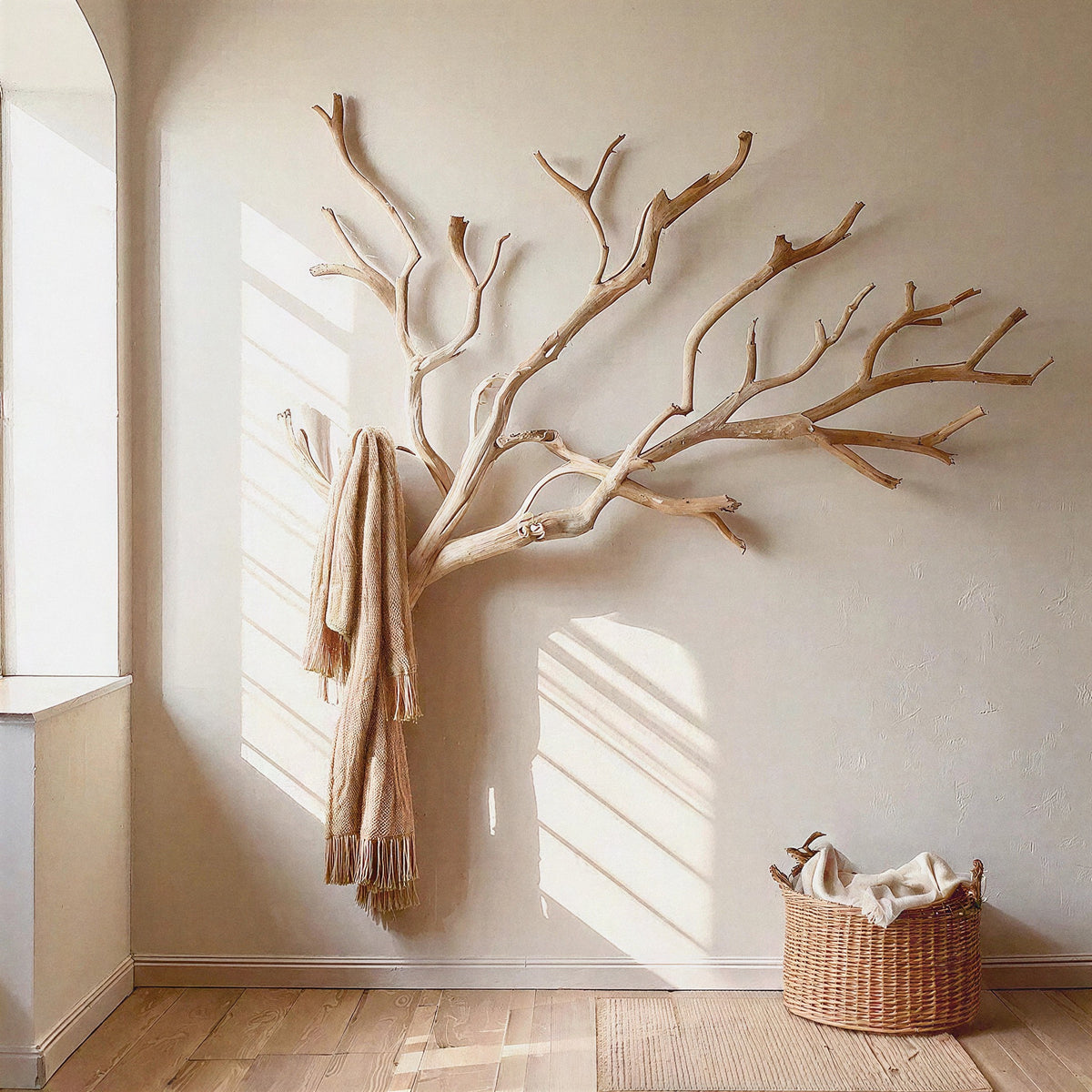
 Biophilic Tree Media Console and Floating Wall Shelf Unit Sculpted from Solid Timber
From $3,176.0010% off at checkout
 Handcrafted Arched Solid Wood TV Stand & 2-Drawer Media Entertainment Console
From $2,314.0010% off at checkout
 Mid-Century Handcrafted Curved Solid Wood TV Stand & Oval Media Entertainment Console
From $2,876.0010% off at checkout
 Christmas edit
Sculptural Handcrafted Solid Wood Low-Profile TV Stand & 3-Drawer Media Console
From $3,145.0010% off at checkout
 Sculptural Solid Wood Wave TV Stand & Low Media Console Table
From $2,829.0010% off at checkout
 Christmas edit
Modern Solid Wood TV Console For Christmas Entryway Living Room
From $2,660.0010% off at checkout
Large Entertainment Centers: Sizes, TV Fit, Storage & Buying Guide
A large entertainment center can help anchor a spacious living room or dedicated media area while organizing a TV, media devices, cables, and accessories. The right size depends on more than screen diagonal: you also need to consider the TV's actual width, its feet or mounting arrangement, the furniture's dimensions, and the weight rating stated by the manufacturer.
This guide explains how to size a large or wide entertainment center, plan storage and ventilation, compare common configurations, and evaluate stability before buying. Use the measurements below as planning guidance, not as a substitute for the specifications of your TV and furniture.

What Defines a Large Entertainment Center?
“Large entertainment center” is a descriptive shopping term rather than a universal furniture size category. It often refers to a wide media console or a taller multi-section unit designed to provide substantial storage and visual presence.
Common Size Ranges
These ranges are useful starting points for comparing listings. Product dimensions vary by design, so always check the actual measurements before ordering.
- Wide media console: often around 80–100 inches wide, with a relatively low cabinet profile.
- Extra-wide console: often around 100–120 inches wide, depending on the room and design.
- Full entertainment center: a taller, multi-section arrangement with a central TV area and surrounding shelves or cabinets. Height and width vary substantially.
- Depth: choose a depth that fits your components and leaves room for cables and airflow; the required depth depends on the equipment and cabinet design.
Do not assume a unit can support a particular TV simply because it is wide or made from solid wood. Confirm the manufacturer's load rating, supported TV dimensions, and installation requirements.
When to Choose a Large Unit
- Your TV and furniture wall have enough space for a wider cabinet.
- You need storage for several devices, games, records, books, or accessories.
- You want the TV area to feel visually balanced with the rest of a spacious room.
- You prefer a single substantial piece or coordinated storage sections rather than several separate units.
A smaller TV stand or media console may be a better fit when the room is compact, storage needs are limited, or a large cabinet would obstruct circulation. For a comparison of the main furniture types, see our TV stand vs. media console vs. entertainment center guide.

Sizing Your Large Entertainment Center
Start by measuring the TV itself, the available wall, and the furniture's intended position. TV screen size is measured diagonally, so it does not equal the TV's overall width. Check the manufacturer's dimensions, including the bezel and feet where relevant.
TV Size to Entertainment Center Width
As a visual guideline, a console that extends roughly 6–12 inches beyond each side of the TV can create a balanced arrangement. This is not a strict rule: wall-mounted TVs, speaker placement, room layout, and personal preference may call for a different proportion. Make sure the TV's feet fit on the supporting surface if the TV will sit on the cabinet.
| TV Size | Approximate Screen Width (16:9) | Example Console Width to Consider |
|---|---|---|
| 75 inches | About 65 inches | About 78–90 inches |
| 85 inches | About 74 inches | About 86–100 inches |
| 98 inches | About 85 inches | About 98–110 inches or wider |
These are approximate planning figures based on a 16:9 screen and a common visual proportion. Confirm the exact TV width, feet placement, and furniture specifications before buying.
Room Layout and Clearance
There is no single minimum room size for every entertainment center. A 90-inch console may fit comfortably in one room and feel crowded in another, depending on the wall length, doorways, windows, seating, and walking paths.
Use this table as a layout-planning framework rather than a rule that a particular furniture width requires a particular room size.
| Entertainment Center Width | What to Check in the Room | Planning Consideration |
|---|---|---|
| 80–90 inches | Wall width, nearby doors, seating and walking paths | Leave enough room for the unit and comfortable circulation around it. |
| 90–100 inches | Available wall span, side furniture, windows and outlets | Check that the console does not crowd adjacent furniture or block access. |
| 100–120 inches | Full wall layout, delivery access and any modular sections | Plan the entire arrangement, including doors, drawers and installation access. |
Measure the wall and the route from the entrance to the final location. Include doorways, hallways, stair turns, elevators, and any narrow passage that a large cabinet must pass through.
Viewing Distance
Comfortable viewing distance depends on screen resolution, personal preference, seating position, and the room layout. Rather than treating a fixed distance as mandatory for each TV size, follow the TV manufacturer's recommendations and test the distance from your usual seating position where possible.
Also consider screen height and glare. The screen should be comfortable to view from the main seat, and windows or lights should not create distracting reflections.
Depth Considerations
A wide entertainment center may still be unsuitable if it is too shallow for your equipment. Measure your deepest component and allow additional room for plugs, cable bends, ventilation, and access.
- AV receiver or amplifier: check the full chassis depth and the manufacturer's required ventilation clearance.
- Game console: check the console's orientation requirements and the space needed around its air vents.
- Soundbar or speakers: confirm that the cabinet layout does not block the speakers or their intended placement.
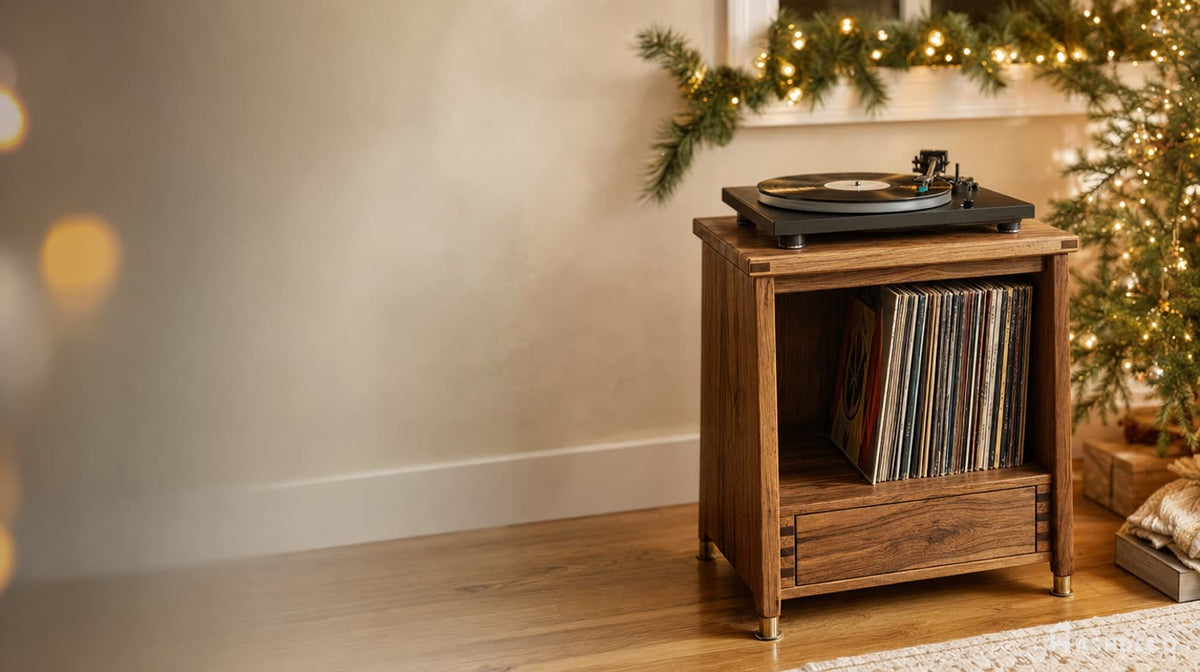
- Turntable: allow room for the dust cover to open and ensure the surface is stable.



Weight Capacity and Stability
Before placing a large TV on a cabinet, confirm the TV's weight and compare it with the furniture manufacturer's stated load capacity. Also check whether the rating applies to the top surface, an individual shelf, or the entire unit. These ratings are not interchangeable.
Comparing Materials and Construction
Material alone does not establish a furniture unit's weight limit. Dimensions, shelf span, thickness, supports, joinery, fasteners, and overall construction all affect performance. Use the following table as a general checklist, not as a set of guaranteed capacities or lifespans.
| Material or Construction | What to Verify | Potential Considerations | Best Buying Approach |
|---|---|---|---|
| Solid hardwood | Manufacturer's load rating, shelf span, supports and joints | Wood species, construction and design all affect performance and maintenance. | Choose based on documented specifications and the intended load, not the material name alone. |
| Plywood or other engineered wood | Panel grade and thickness, support structure, fasteners and load rating | Performance varies by panel construction and how the unit is assembled. | Review the complete product specifications and any stated shelf limits. |
| MDF or particleboard | Load rating, panel thickness, shelf span and connection details | Moisture exposure and unsupported spans may be important considerations. | Do not infer capacity from price or appearance; verify the stated rating. |
| Metal frame with wood components | Frame design, joints, top panel rating and overall load limit | A metal frame does not automatically make every shelf or top surface suitable for a heavy TV. | Confirm the rated capacity of the complete assembled unit. |
Calculate the Total Load
Add the weight of everything the furniture will support: the TV, speakers, consoles, receivers, and any decor. Then compare that total with the appropriate manufacturer rating, leaving a sensible margin and following any limits for individual shelves.
TV weights vary by model and generation, so use the specifications for your exact TV rather than relying on a general weight range for a 75-, 85-, or 98-inch screen.
Stability and Anti-Tip Safety
A tall or multi-section entertainment center may require wall anchoring or other stabilization. Follow the assembly and anchoring instructions supplied with the exact unit. Use suitable hardware for the wall construction and seek qualified assistance if you are unsure how to secure it correctly.
- Place the unit on a suitable, level surface and follow the manufacturer's setup instructions.
- Distribute items according to the specified shelf and top-surface limits.
- Keep heavier components in locations recommended by the manufacturer.
- Secure tall furniture as directed, especially in homes with children or where local conditions create additional tip-over concerns.
- Do not assume that every wall, fastener, or furniture back panel can support an anchoring load.
For more detail on checking load ratings, see our TV stand weight capacity guide.

Cable Management for Home Theater Setups
A large entertainment center may hold several devices, each with power, video, audio, or network connections. Plan cable routes before filling the cabinet so components remain accessible and can receive the ventilation they need.
Features to Look For
- Cable openings or grommets: allow cables to pass through cabinet panels.
- Removable or accessible back panels: make it easier to connect or replace equipment.
- Open or ventilated compartments: help meet the airflow requirements specified for electronic devices.
- Adjustable shelves: provide flexibility for equipment of different heights.
- Remote-control compatibility: check whether cabinet doors allow signals to reach devices, or plan for another compatible control method.
Do not assume that a product has integrated cable channels, a power-strip compartment, or IR-transparent doors unless its listing confirms those features.
Organizing Cables
- Identify each cable. Label both ends if several similar cables are connected.
- Separate cable groups. Keep power, video, audio, and network cables organized so connections are easier to trace.
- Use reusable fasteners. Hook-and-loop straps make future changes easier than permanent ties.
- Leave practical slack. Allow enough cable length to access equipment without pulling on connectors.
- Keep airflow clear. Do not bundle cables tightly around hot components or block vents.
Concealing Visible Cables
For a cleaner appearance, route cables through the cabinet's intended openings or use a suitable surface-mounted cable cover. In-wall cable routing may require products rated for that purpose and compliance with local electrical and building requirements. Consult a qualified installer if you are unsure which approach is appropriate.

Don't miss
These pieces qualify for 10% off orders over $2,000. Applied automatically at checkout.
10% off
Biophilic Tree Media Console and Floating Wall Shelf Unit Sculpted from Solid Timber
From $3,176.00
10% off at checkout
10% off
Handcrafted Arched Solid Wood TV Stand & 2-Drawer Media Entertainment Console
From $2,314.00
10% off at checkout
10% off
Mid-Century Handcrafted Curved Solid Wood TV Stand & Oval Media Entertainment Console
From $2,876.00
10% off at checkout
10% off
Sculptural Handcrafted Solid Wood Low-Profile TV Stand & 3-Drawer Media Console
From $3,145.00
10% off at checkout
Storage Planning for Large Entertainment Centers
Before choosing a cabinet layout, list the items you actually need to store. A wide unit is not automatically a practical one if its shelves are too shallow, compartments lack ventilation, or doors prevent access to your equipment.
Electronic Components
- AV receivers and amplifiers: check dimensions, weight, cable clearance, and ventilation requirements.
- Game consoles: follow the manufacturer's instructions for orientation and airflow; avoid enclosing or stacking devices in ways that obstruct vents.
- Streaming devices and media players: confirm that cables fit and that any remote-control signal can reach the device.
- Turntables: provide a stable surface and enough space to open the dust cover.
Records, Books and Accessories
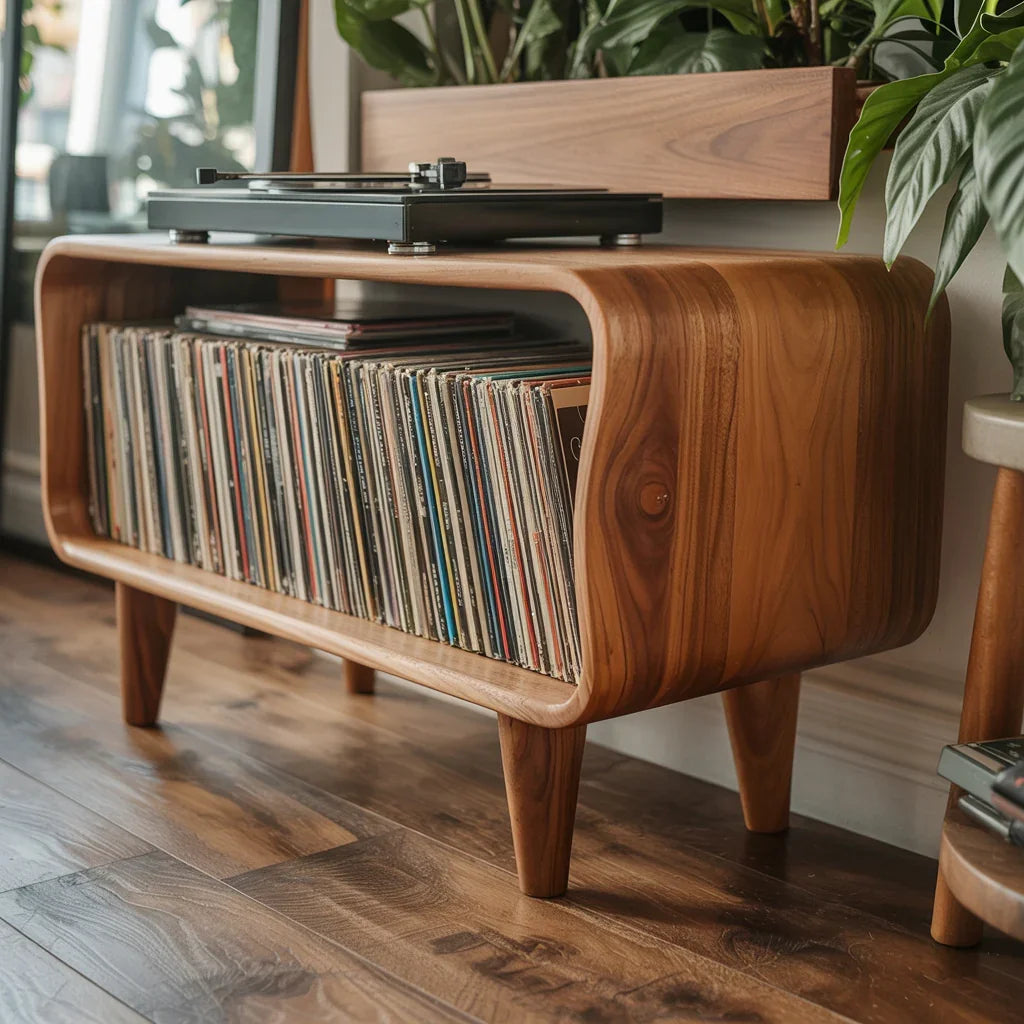
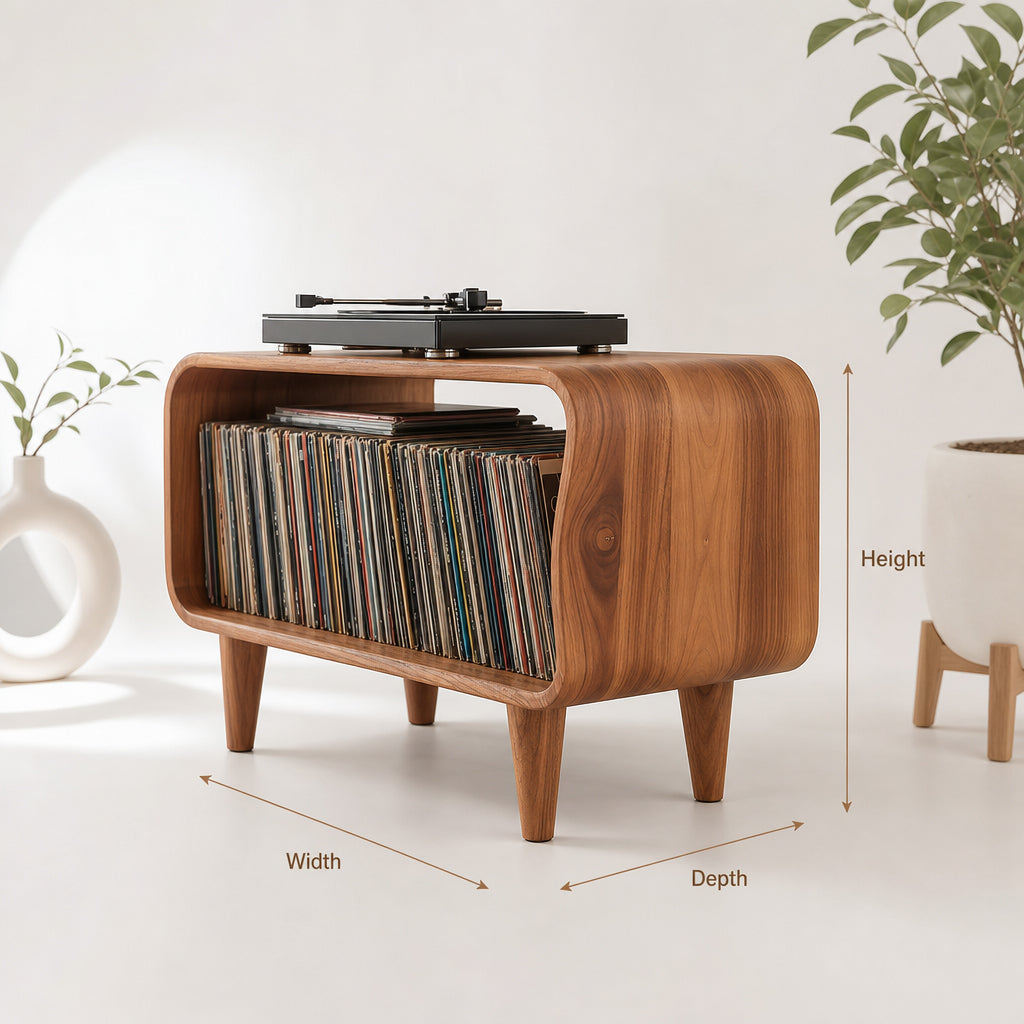
If you store vinyl records, check the dimensions of the record sleeves and the shelf depth. Vertical storage is generally preferable to placing a heavy record collection in an unverified stack. For books, games, controllers, and small accessories, a mix of adjustable shelves, drawers, and closed compartments can help keep the cabinet organized.
Remember to account for the weight of stored items. A shelf that fits a collection dimensionally may still exceed its load rating when fully filled.
Styling a Large Entertainment Center
Because a large entertainment center occupies a substantial part of the room, the surrounding arrangement matters. Aim for a balance between the cabinet, TV, seating, lighting, and other furniture rather than filling every available surface.
Balance and Proportion
Use the TV and cabinet as the main visual anchor, then add a limited number of objects with varied heights or textures. Matching lamps or speakers can create symmetry, while a mix of books, ceramics, and plants can produce a more relaxed arrangement. Keep decor away from the screen and avoid blocking vents or access to components.
Integrating Technology
Place frequently used devices where they are easy to reach and where their ventilation requirements can be met. Store accessories in drawers or closed compartments if suitable, while keeping devices that need open airflow in a compatible location.
Lighting
Soft ambient lighting can help the TV wall feel integrated with the room. If you add LED strips or lamps, position them to minimize screen reflections and glare. Avoid placing hot lighting equipment against wood or inside an enclosed cabinet unless the equipment is designed for that use.
Color and Material
Coordinate the cabinet's wood tone and finish with nearby furniture, flooring, or wall colors. A darker cabinet can create contrast against a light wall, while a lighter finish may feel less visually heavy. Choose the finish based on the actual product options rather than assuming every model is available in walnut, oak, or teak.
For more ideas, see our modern entertainment center guide.
Large Entertainment Center Types
The main configurations differ in their height, storage arrangement, and visual impact. Choose according to the room layout and what you need the furniture to hold.
Low-Profile Media Console
A low-profile media console is a long, relatively short cabinet. It may combine drawers, doors, and open compartments, depending on the design.
Consider this style if:
- You prefer a simple horizontal line beneath a wall-mounted TV.
- You need storage without a tall cabinet surrounding the screen.
- You want to keep the wall visually open for art or other decor.
Full Entertainment Center
A full entertainment center uses several storage sections around or above the TV area. Depending on the design, it may include side towers, display shelves, cabinets, or a bridge section.
Consider this style if:
- You need substantial enclosed and open storage.
- The room can accommodate a taller, more visually prominent unit.
- You have measured the wall and confirmed that the complete configuration fits.
Modular Systems
A modular system uses separate components that can be arranged together. Confirm whether sections are designed to connect, whether connection hardware is included, and whether the final arrangement requires anchoring. Do not assume individual cabinets can be safely stacked or bolted together unless the manufacturer permits it.
Explore Ashdeco's TV Cabinets and Media Consoles
Ashdeco's current online catalog includes solid-wood TV stands and media consoles in several styles. The catalog listing for entertainment-center products currently shows four items, with listed prices ranging from $2,329 to $4,560 at the time of review. These listings do not by themselves confirm that every item is suitable for an 85- or 98-inch TV, or that each one offers the widths, weight capacities, and cable-management features described in generic buying guides.
Review the dimensions, available size options, materials, and product-specific specifications before choosing a piece for a large TV. If the listing does not state the load capacity or confirm the fit for your setup, contact Ashdeco before ordering.
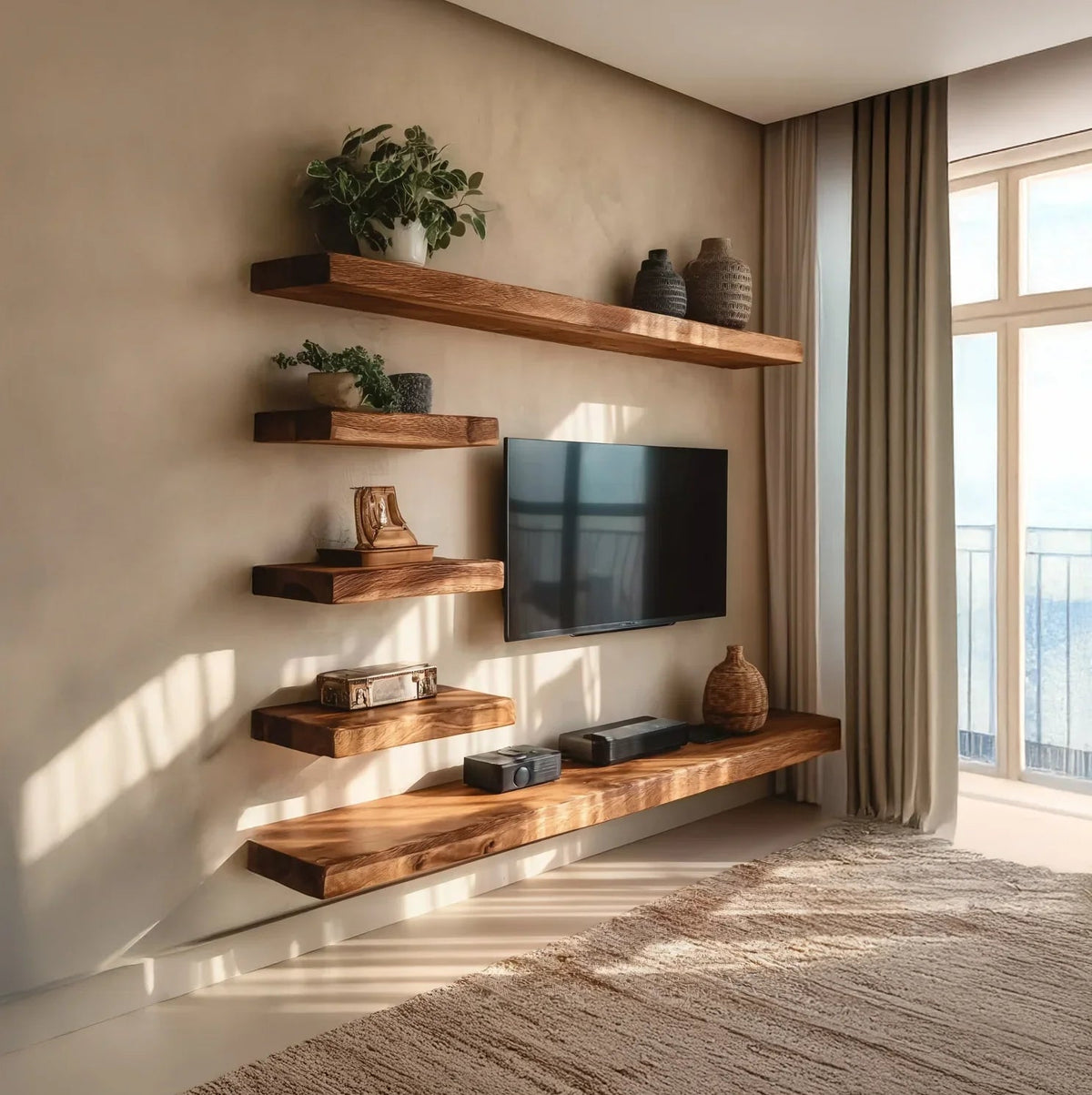
Organic Live Edge Solid Wood Floating TV Shelf & Media Console
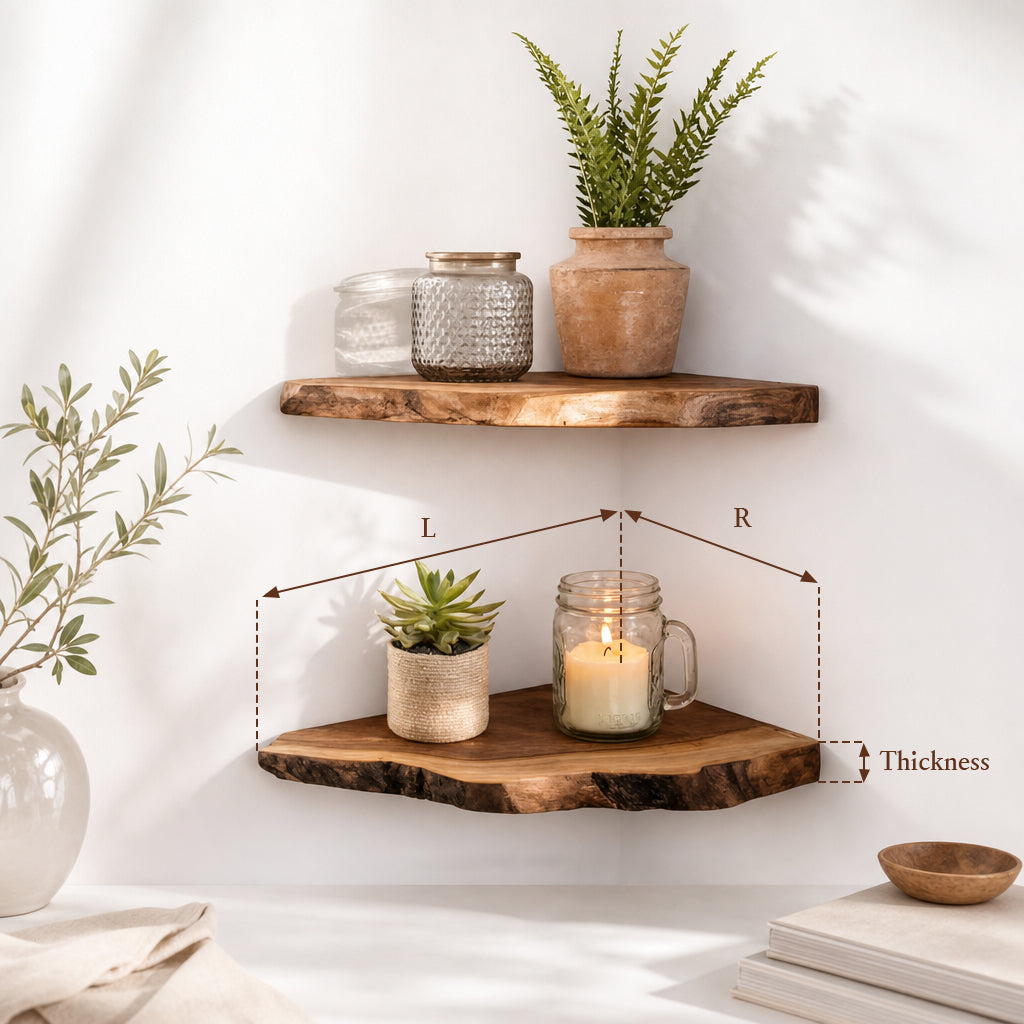
This listed product features a live-edge solid-wood floating design. The product page shows several size options, including widths up to 71 inches, so it should not be presented as an extra-wide console for every large TV. Check the selected size and mounting requirements before deciding whether it fits your setup.
View the Organic Live Edge Solid Wood Floating TV Shelf & Media Console.
Compare Current TV Cabinet Options
Browse Ashdeco's entertainment-center collection and TV cabinets to compare available designs. Product availability, prices, dimensions, and discounts can change, so use the live listing for the most current details.
Delivery, Assembly and Placement
A wide cabinet can be difficult to maneuver even when it fits the final wall. Plan delivery access before ordering and follow the handling instructions provided for the specific item.
Before Delivery
- Measure entry doors, hallways, stairs, landings, and elevator openings.
- Check the packaged dimensions if they are available, not just the assembled dimensions.
- Confirm whether the item arrives assembled or requires assembly on site.
- Arrange suitable help or professional delivery for a heavy or awkward piece.
Assembly and Anchoring
Follow the product's assembly instructions and use the specified hardware. If wall anchoring is required or recommended, identify the appropriate attachment points and use hardware suitable for the wall construction. Do not rely on generic instructions or assume that the same anchors work for drywall, masonry, and other wall types.
For tall, multi-section units or unfamiliar installation conditions, consider a qualified installer. Do not drill through the cabinet or wall without confirming the intended attachment points and checking for hidden services.
Final Placement
Position the unit where it will not block doors, windows, vents, or walking paths. Avoid placing electronics where heat sources, direct sunlight, or poor ventilation could create problems. Check the TV's viewing height and glare from the main seating position before finalizing the arrangement.
FAQ: Large Entertainment Centers
What size entertainment center do I need for a 75-inch TV?
Start by checking the TV's actual width and feet placement. A console around 78–90 inches wide may provide a balanced look for many 75-inch TVs, but the right size depends on the model, room, and whether you want space for speakers or decor. Confirm the furniture's load rating before placing the TV on it.
How wide is a wide entertainment center?
“Wide” has no universal definition. Many shoppers use the term for consoles around 80 inches wide or more, while extra-wide options may reach 100–120 inches. Check the actual product dimensions rather than relying on the category name.
Can a large entertainment center support an 85-inch TV?
It can only be confirmed by checking the specific TV weight, the cabinet's stated load rating, and the permitted placement of the TV's feet or mounting system. Screen size and material alone do not establish compatibility.
What's the difference between a media console and an entertainment center?
A media console is generally a single, low cabinet for a TV and related devices. An entertainment center often refers to a taller or multi-section arrangement with additional shelves and cabinets. Retailers may use the terms differently, so compare the structure and dimensions.
How much weight can a large entertainment center hold?
There is no reliable capacity that applies to all large entertainment centers. Check the manufacturer's rating for the top surface and each relevant shelf, and include the weight of the TV, devices, speakers, and decor.
Should I anchor an entertainment center to the wall?
Follow the manufacturer's anchoring instructions, particularly for tall or multi-section furniture. Use hardware appropriate for the wall construction, and seek qualified assistance if you are unsure how to secure the unit.
What material is best for a large entertainment center?
The best choice depends on the construction, finish, intended use, budget, and care preferences. Solid wood, plywood, MDF, particleboard, and metal-frame designs can differ in performance. Compare the product's documented specifications rather than assuming a material automatically guarantees a particular load rating or lifespan.
How do I manage cables in a large entertainment center?
Look for suitable cable openings, accessible panels, and compartments that meet your devices' ventilation needs. Label cables, use reusable fasteners, and leave enough slack for maintenance without blocking vents or straining connectors.
Can I use a large entertainment center in a small room?
Possibly, if the cabinet fits the wall and does not obstruct circulation, doors, or other furniture. Measure the room and plan the complete layout before buying. A smaller console may be a better choice when a wide unit would dominate the space.
How deep should a large entertainment center be?
Choose a depth based on your deepest component, cable connections, and required ventilation clearance. Measure the equipment itself and check the manufacturer's specifications rather than relying on a single standard depth.
Choose a Large Entertainment Center That Fits Your Setup
A large entertainment center should fit the TV, the room, and the equipment you plan to store. Start with accurate measurements, verify the TV and shelf load ratings, and check cable access, ventilation, delivery access, and any anchoring requirements.
Explore Ashdeco's entertainment-center collection and TV cabinets to compare current options. Confirm the product-specific dimensions and specifications before choosing a unit for an oversized TV.
Ready to plan your TV wall? Browse Ashdeco's current media consoles and TV cabinets, then compare each product's dimensions and specifications with your room and equipment.